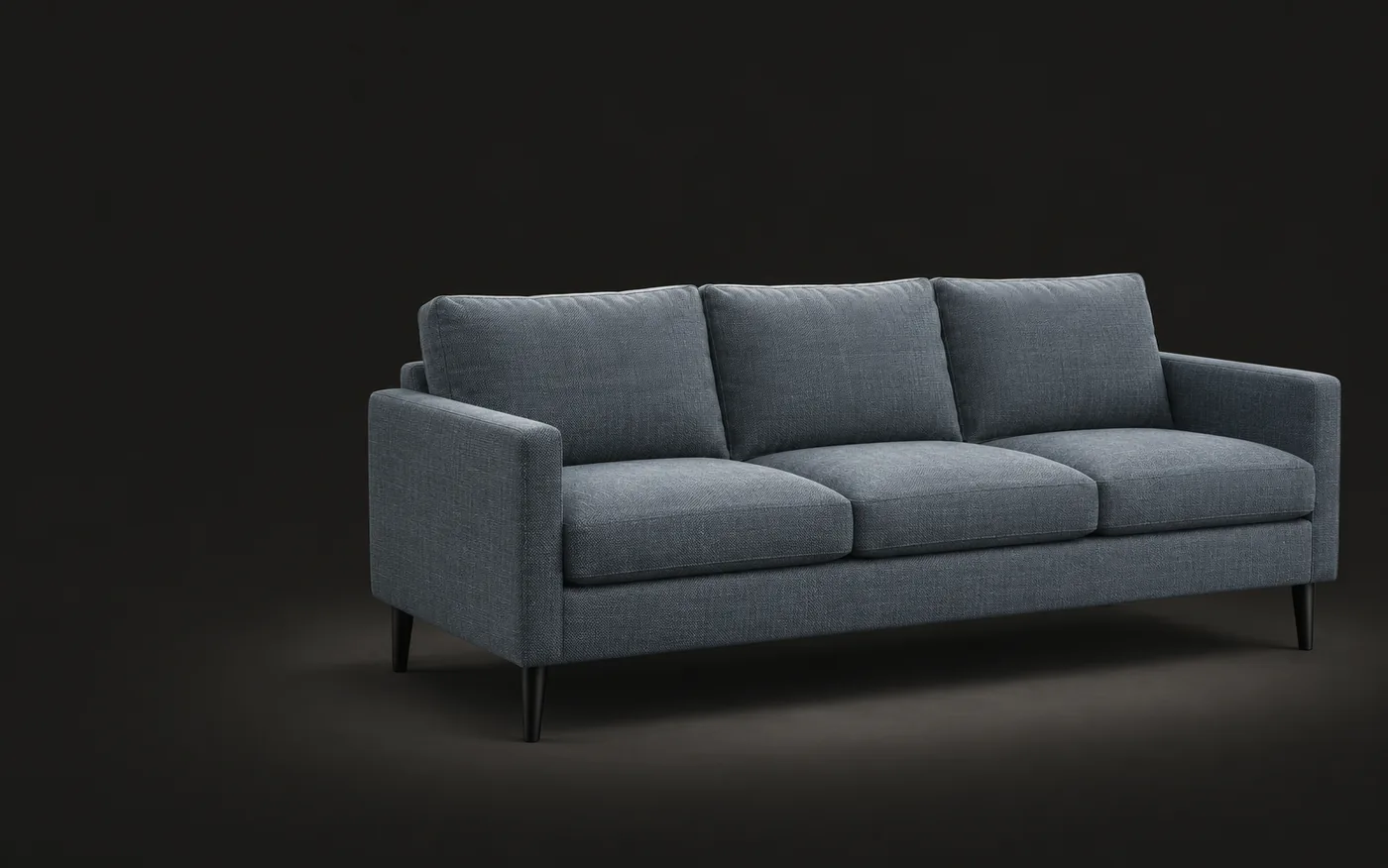
Free online 3D viewer
View 3D files in your browser, no upload needed
Samples
01How it works
View a 3D file in three steps
Everything runs in your browser, on desktop and mobile.
Open the file
Click Open 3D file or drag it onto the viewer. For OBJ or glTF, include the .mtl, .bin and texture files.
Look around
Drag to rotate, scroll or pinch to zoom, right-drag to pan. Use the 10 cm floor grid to judge scale, or go full screen.
Check the details
Read the size, triangle and material counts, then save a screenshot of the current view.
02Supported formats
Opens the formats you work with
| Format | Used for | What you see |
|---|---|---|
| GLB.glb | Web stores and AR. The glTF standard as a single file. | Geometry, materials and textures, all from the one file. |
| glTF.gltf | Exchange between 3D apps and game engines. | Select the .gltf with its .bin and texture files, or open a single-file .gltf. |
| OBJ.obj | The most widely supported mesh format. | Add the .mtl file and textures to see colors. Without them the model shows in gray. |
| FBX.fbx | Autodesk apps such as 3ds Max and Maya, and game engines. | Embedded textures load automatically. Add external textures alongside the file. |
| STL.stl | 3D printing and CAD. | Shape only, shown in neutral gray. Z-up files are stood upright. |
| USDZ.usdz | AR Quick Look on iPhone and iPad. | Geometry and textures from the package. |
03FAQ
Common questions
Files, privacy and formats. How we handle data is in the Privacy Policy:Privacy Policy
Want to know more about Sofa3D?
Pick an AI to ask it this question:
What is Sofa3D (www.sofa3d.com)? What does it do, who is it for, and what are its main features?
Those markedcopy the question first. Paste it in and send.
Is the 3D viewer free?
Yes. No account, no watermark and no limit on how many files you open.
Are my files uploaded?
No. Your browser reads the files on your device and nothing is sent to Sofa3D. Closing the tab clears them.
How large can a file be?
Up to 100 MB for the model file. Large FBX files or dense scans can take a few seconds to open, depending on your device.
Why does my OBJ model look gray?
OBJ colors and textures are stored in a separate .mtl file and image files. Select them together with the .obj. The same applies to a .gltf and its .bin file.
How is the size measured?
Size is the model’s bounding box: width, depth and height. GLB and glTF are in meters, and FBX and USDZ use the units saved in the file. OBJ and STL have no units, so the viewer estimates them and marks the size as estimated.
Which formats can’t it open?
SketchUp (.skp), Blender (.blend), 3DS and CAD formats such as STEP. Export them as GLB, OBJ or FBX from their app first. To change a model’s format, use the free 3D converter.
Bring your first piece into 3D
Create a free account and turn a photo into a 3D model in a few minutes.