For furniture designers and sellers

Turn a furniture photo intoa real-size 3D model.

Sofa3D turns photos of sofas, furniture and home decor into real-size 3D models you can drop into SketchUp, Blender or 3ds Max, or show in AR on your store. Upload one to four photos, add the dimensions, and download GLB, OBJ, FBX, USDZ or SKP.

W 203 cmD 84 cmH 72 cm

Demo: from photos to a real-size 3D model

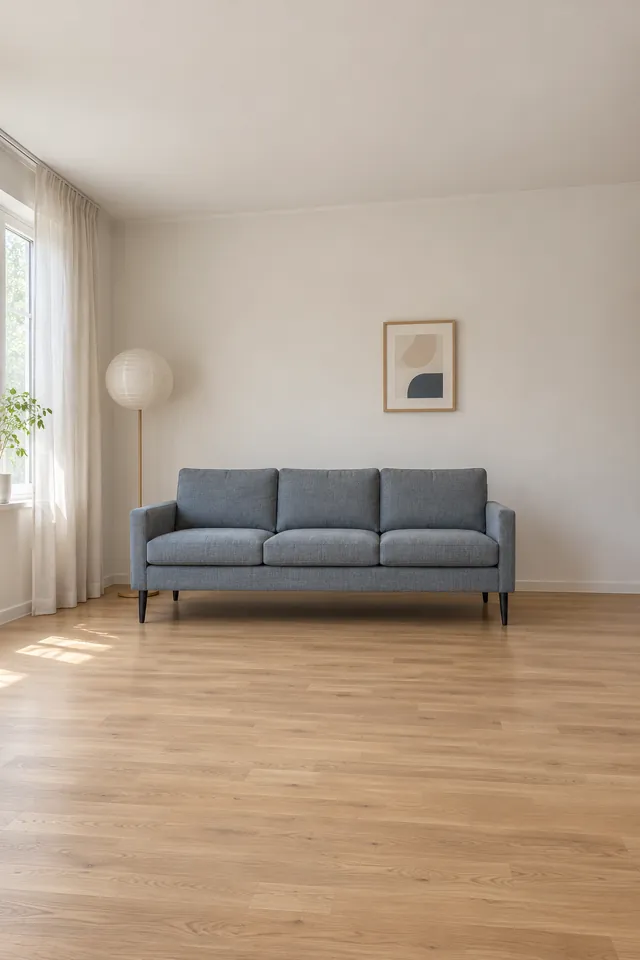
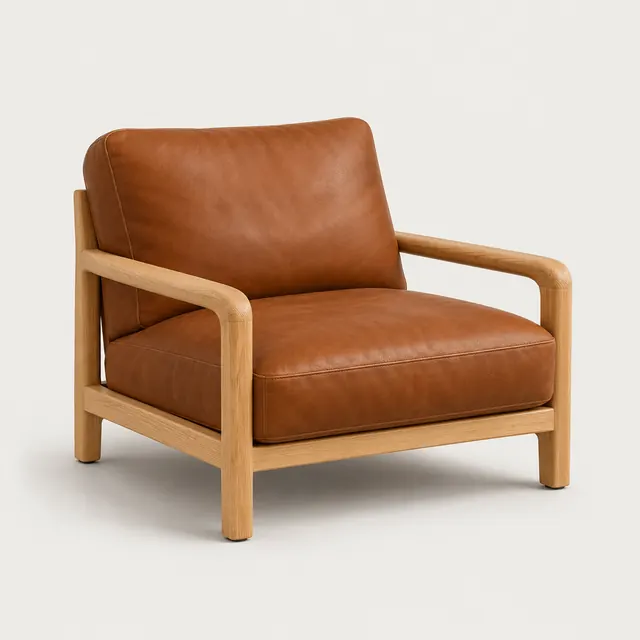
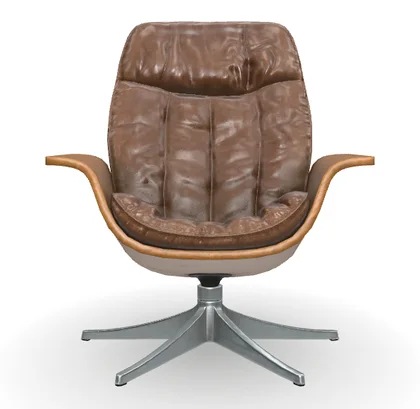
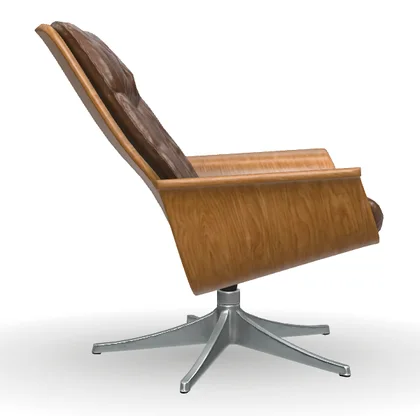
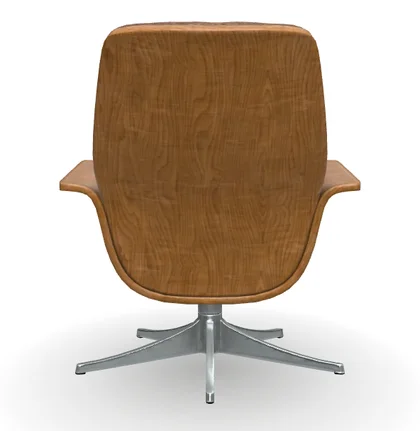
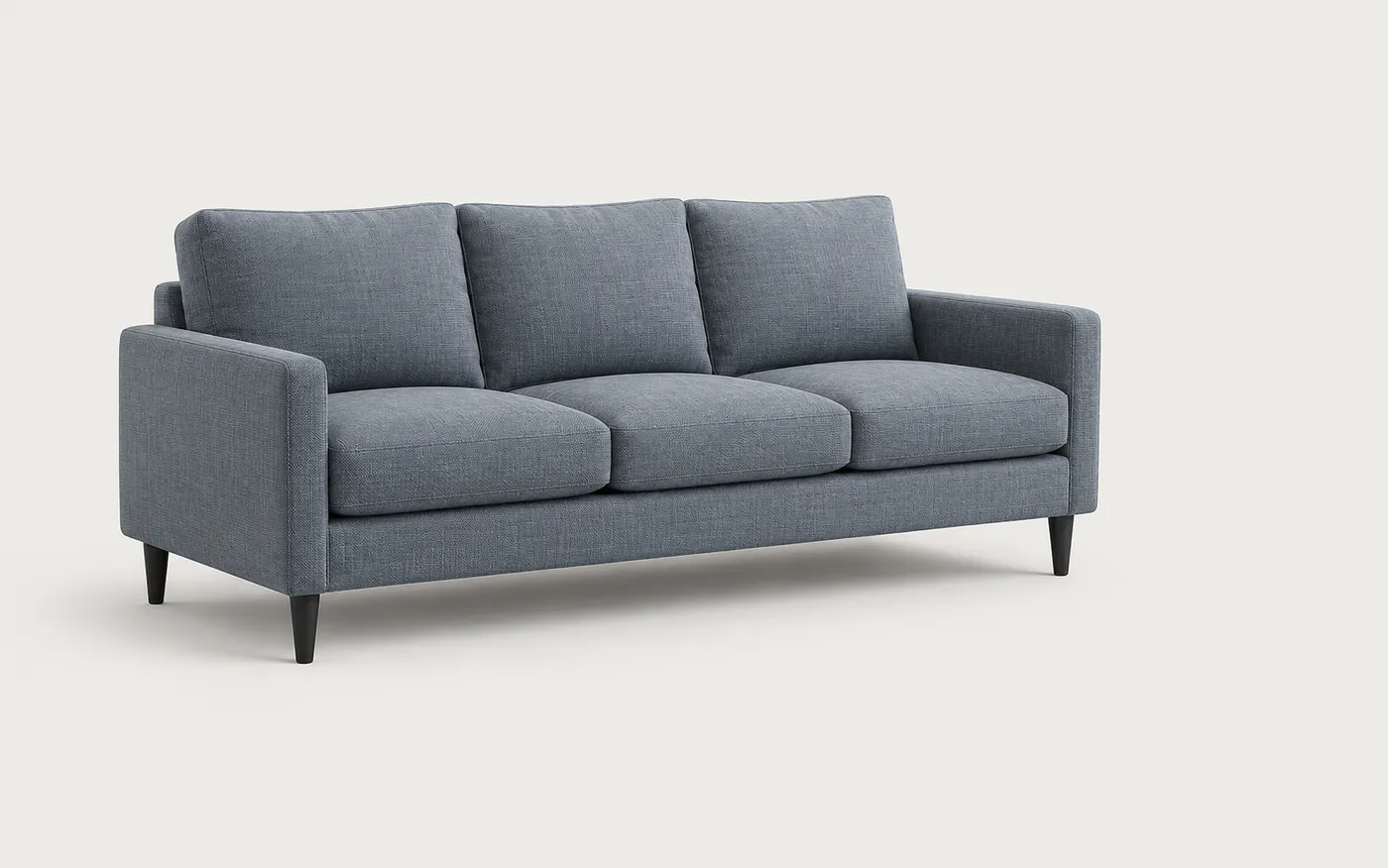
The demo alternates between one photo and several: a single sofa photo at 203 × 84 × 72 cm, then front, side and back photos of a lounge chair at 101 × 119 × 117 cm. Each time you enter the size, generate, and download the real-size model as GLB, OBJ, FBX, USDZ or SKP.

Built around real size

A model is only useful if it fits the room. Every Sofa3D model is scaled to the piece you photographed and exported for the tools you already use.

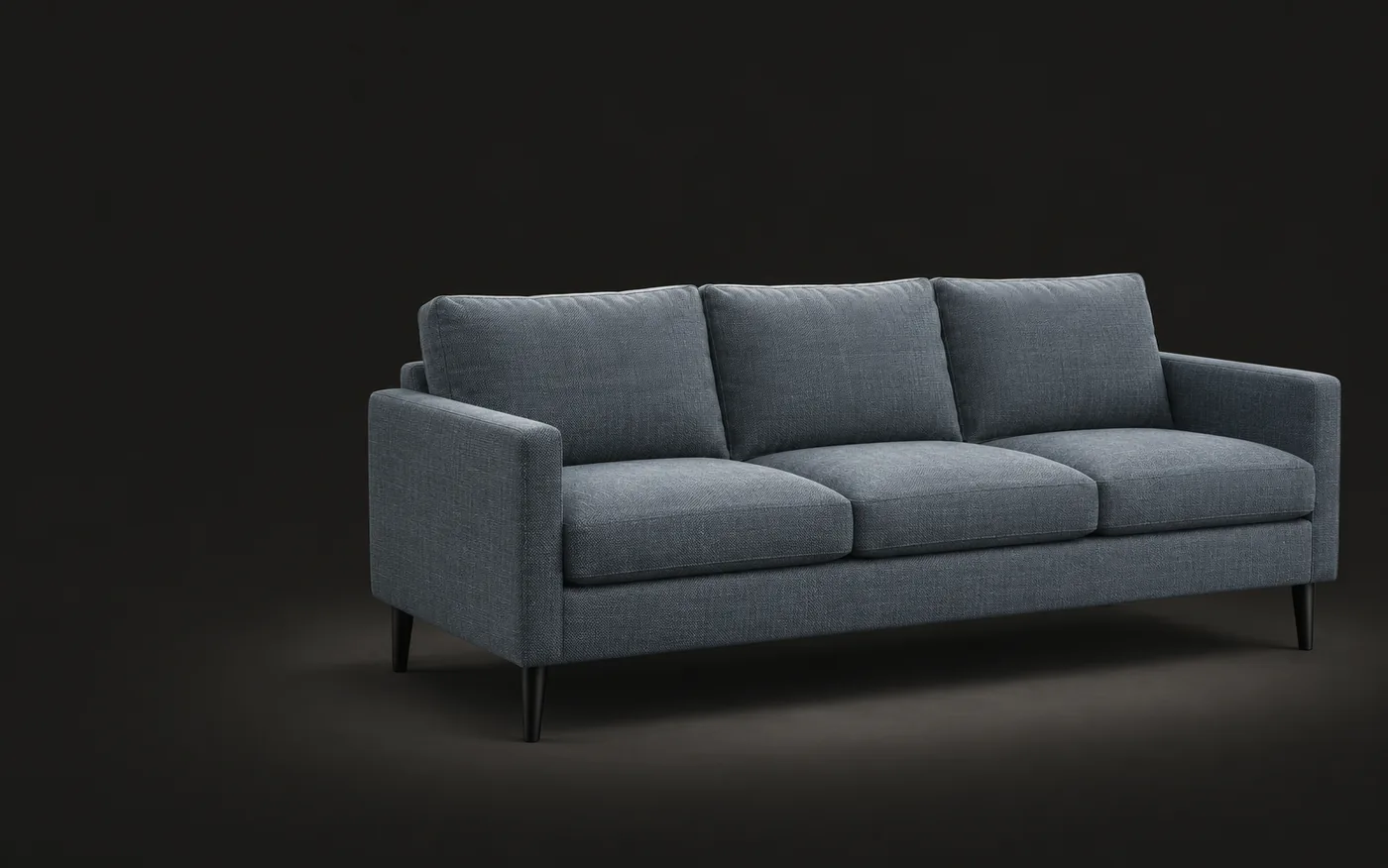
A grey-blue three-seat sofa model with dimension lines: width 203 cm, depth 84 cm, height 72 cm, origin on the floor.

Real size

Real size, not scene units

Enter width, depth and height. Sofa3D scales the model to match and puts its origin on the floor, so it drops into your scene at the right size — no guessing, no rescaling.

  • Scaled to the outer width, depth and height you enter
  • Origin on the floor, facing forward
  • Light geometry with simple groups
Ready for your tools

Opens cleanly where you work

Download the format your workflow needs. Geometry stays light and grouped simply, so one sofa doesn’t slow your whole scene down.

  • GLBWeb viewers and Android AR
    • Blender
    • Shopify
    • Android AR
  • USDZAR on iPhone and iPad
    • AR Quick Look
  • FBXRendering, animation and game engines
    • 3ds Max
    • Maya
    • Unreal Engine
    • Unity
  • OBJOpens almost anywhere
    • Cinema 4D
    • Rhino
    • Houdini
    • …and almost any 3D app
  • SKPInterior and architectural design
    • SketchUp
A phone camera view of a living room with the sofa placed on the floor in AR, with its real size, 203 × 84 × 72 cm, shown on screen.

AR for your store

Let shoppers place it at home

Embed the model on your product page. Shoppers turn it in 3D and see it in their own room with AR, at its real size — right in the phone’s browser, no app to install.

  • GLB for Android, USDZ for iPhone
  • One line of embed code per product
  • Batch upload for whole catalogs

From the sofa to the side table

We start with sofas and soft seating — the hardest pieces to model and the ones buyers care about most. Chairs, tables, lamps and decor work the same way.

  • Sofa228 × 96 × 82 cm

  • Armchair76 × 80 × 78 cm

  • Dining chair46 × 52 × 80 cm

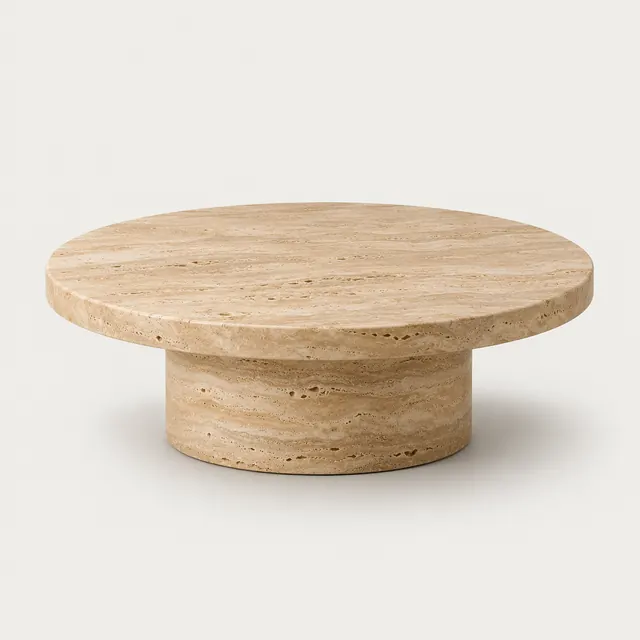
  • Coffee table90 × 90 × 38 cm

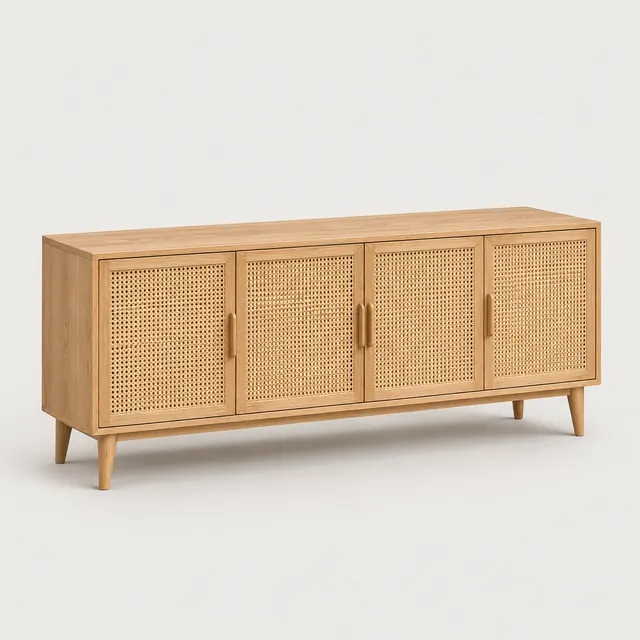
  • Sideboard150 × 39 × 75 cm

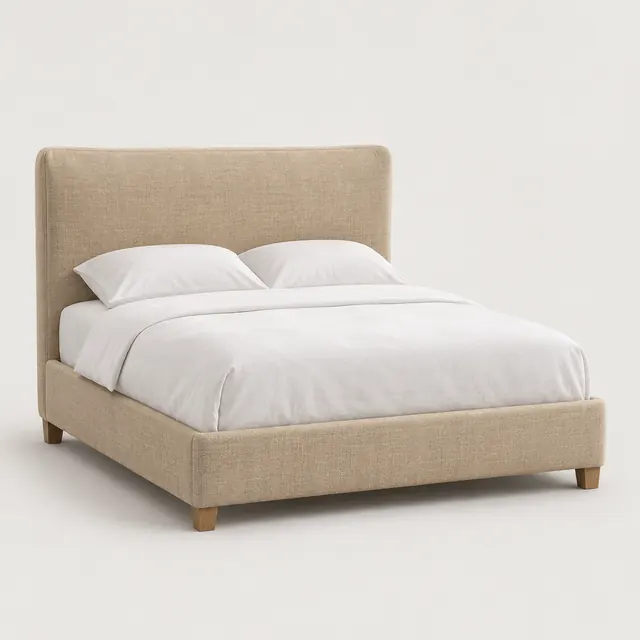
  • Bed168 × 212 × 105 cm

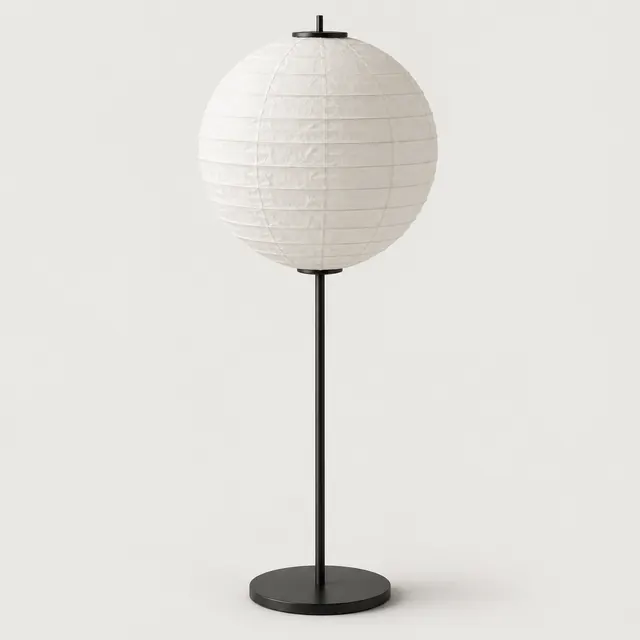
  • Floor lamp45 × 45 × 152 cm

  • Vase22 × 22 × 34 cm

Sizes are examples of the width × depth × height you enter, in cm.

Start with your own photo

Made for two kinds of work

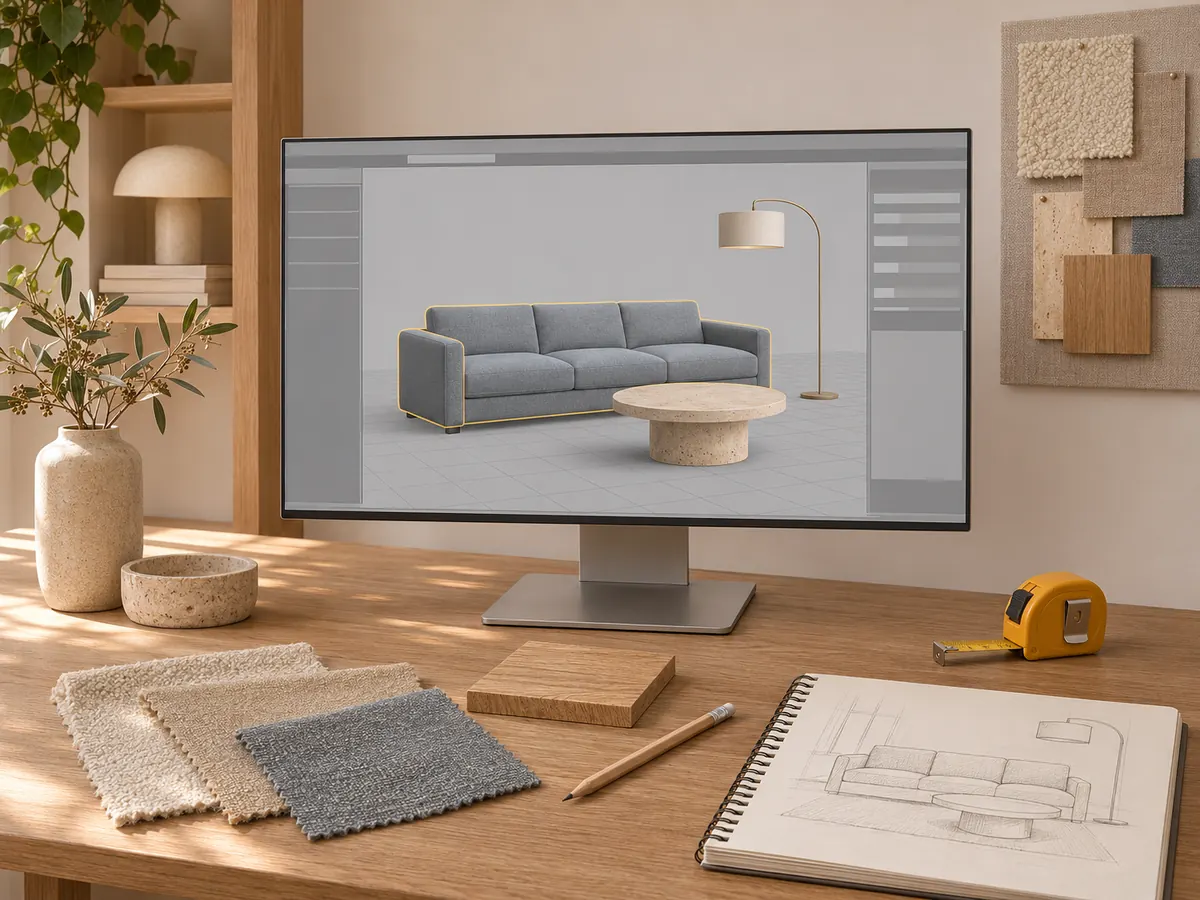
A designer’s desk with a 3D modeling app showing a living room scene and fabric swatches.

For interior designers

The exact piece your client picked

It isn’t in any 3D warehouse and you don’t have a day to model it. Turn the product photo into a real-size model you can drop into SketchUp, Blender or 3ds Max.

  • Real size, origin on the floor
  • SKP, FBX, OBJ or GLB
  • Light enough for full room scenes

Start a model

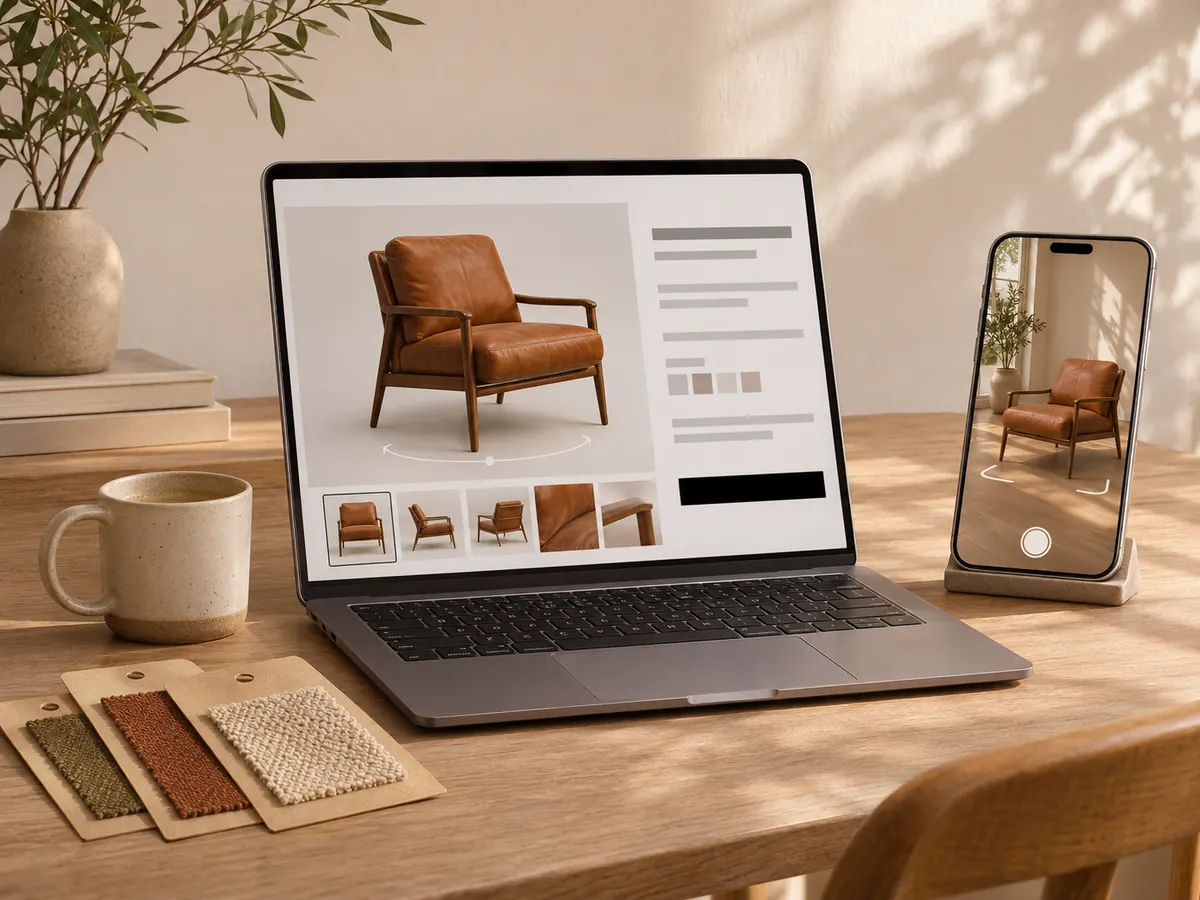
A laptop showing a product page with a 3D armchair, next to a phone showing the armchair in a room in AR.

For furniture sellers

3D and AR for every product page

Turn the catalog photos you already have into 3D views and AR for your store — no photo studio, no 3D team. Shoppers see the real size before they buy.

  • GLB and USDZ for web and AR
  • Embed code for product pages
  • Batch upload for whole catalogs

See plans

From photo to product page

Three steps, all in your browser — no 3D software to learn and no photo studio to book.

  1. Step 11–4 photos

    Photograph and measure

    • One to four photos of the piece
    • Its width, depth and height
    • 3D preview right in the browser
    • Credits back if a generation fails
  2. Step 25 formats

    Export for your tools

    • GLB, OBJ, FBX, USDZ and SKP
    • Real size, origin on the floor
    • Light geometry, simple groups
    • Free format converter
  3. Step 3Web + AR

    Publish to your store

    • AR embed code for product pages
    • Batch upload from a spreadsheet
    • Shared credits and models for your team
    • Keep models private, or share them

Simple plans that grow with you

Every plan includes monthly credits for Sofa3D’s AI features. Start free and upgrade when you need more.

Questions, answered

Something else on your mind? More detail lives here:Privacy PolicyTerms of Service

Ask AI

Want to know more about Sofa3D?

Pick an AI to ask it this question:

What is Sofa3D (www.sofa3d.com)? What does it do, who is it for, and what are its main features?

ChatGPTPerplexity

Those markedcopy the question first. Paste it in and send.

What is Sofa3D?

Sofa3D turns photos of furniture and home decor into real-size 3D models. Upload one to four photos, enter the width, depth and height, and download a model for SketchUp, Blender, 3ds Max or AR on your store.

How accurate is the real size?

The model is scaled to the outer width, depth and height you enter, with its origin on the floor. Sides the photos don’t show, inner proportions and fine details are estimated by AI, so it isn’t production CAD — check the model before you rely on it for manufacturing.

How many photos do I need?

One clear photo is enough to start. Adding up to three more angles, such as the side and back, gives a more accurate shape. Plain backgrounds and even light work best.

Which file formats can I download?

GLB, OBJ, FBX, USDZ and SKP. SKP opens straight in SketchUp, and GLB and USDZ cover web viewers and AR on Android and iPhone. A free converter switches a model between formats any time.

Which kinds of furniture work best?

Sofas, armchairs and other upholstered seating are our focus. Chairs, tables, beds, storage, lamps and decor work too. Glass, mirrors and very thin wire frames are harder to capture from photos.

Is there a free plan?

Yes. A free account can try every AI workflow on samples and use the free 3D viewer and format converter, with no credit card needed. To generate models from your own photos, choose a plan or buy a credit pack.

Who owns my photos and models?

You keep all rights to the photos you upload. Your photos and models are visible only to you and your workspace unless you choose to share a model. You need the right to use the photos, and you’re responsible for any design rights in the products they show.

Do I need to install anything?

No. Sofa3D runs in your browser: upload photos, preview the model in 3D and download it. AR opens in the phone’s browser too, so your shoppers don’t need an app either.

Bring your first piece into 3D

Create a free account and turn a photo into a 3D model in a few minutes.

Sofa3D — Turn a furniture photo into a real-size 3D model