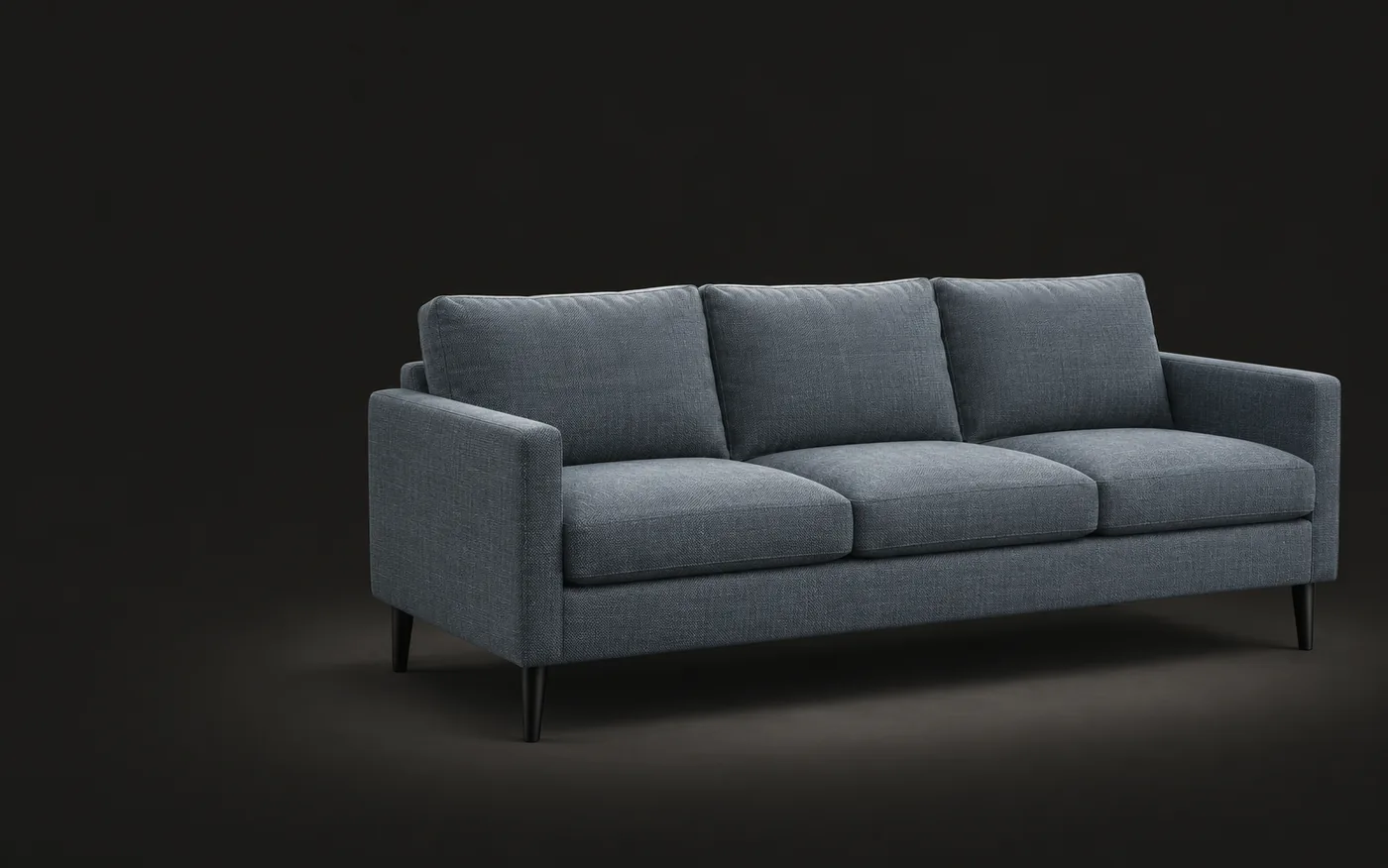
Free 360° turntable video
Spin a 3D model into a video and product shots, no upload
Samples
01How it works
From 3D file to video in three steps
Rendering and encoding run in your browser. Nothing is uploaded.
Open a model
Click Open 3D file or drag in a GLB, glTF, OBJ, FBX, STL or USDZ file, or start with a sample.
Set up the shot
Choose a 360° video (MP4 or GIF; square, landscape or vertical) or multi-angle shots, then pick the camera height and backdrop.
Preview and download
Click Create preview and watch the result play in the viewer. If it looks right, download it. Shots download as one zip.
02What you get
Ready for product pages
The model turns under fixed studio lights with a soft contact shadow, and stays the same size all the way round.
| Output | Use it for | Specs |
|---|---|---|
| MP4.mp4 | Product page videos, marketplaces, social posts and ads. Vertical 9:16 for Reels, TikTok and Shorts. | 1080 × 1080 (1:1), 1920 × 1080 (16:9) or 1080 × 1920 (9:16). 30 fps, H.264, 4, 6 or 8 seconds per turn, seamless loop. |
| GIF.gif | Product pages, emails and chats where video won’t autoplay. | Long side 600 px, 15 fps, loops forever. White or gray backdrop. |
| PNG.zip | Product galleries, catalogs, white-background listing photos and 360° spin sets. | 4, 8 or 12 square shots, 1000 to 2000 px, evenly spaced from the front. White, gray or transparent. |
03FAQ
Common questions
Output, speed and privacy. How we handle data is in the Privacy Policy:Privacy Policy
Want to know more about Sofa3D?
Pick an AI to ask it this question:
What is Sofa3D (www.sofa3d.com)? What does it do, who is it for, and what are its main features?
Those markedcopy the question first. Paste it in and send.
Is it free? Is there a watermark?
It’s free, with no watermark, no account and no limit on how many videos or shots you make.
Are my files uploaded?
No. The model is rendered and the video encoded in your browser. Nothing is sent to Sofa3D.
How long does it take?
From a few seconds to about a minute, depending on your device, the video length and the model. Keep the page open while it works; you can cancel at any time.
Can the background be transparent?
Multi-angle shots can be transparent PNGs, keeping a soft shadow under the model. MP4 and GIF can’t be transparent, so choose white or gray.
Which side is the front?
The side facing +Z in the file, the glTF convention most 3D apps follow. Shots start from the front; videos and GIFs start from a three-quarter view and turn a full circle.
Can I change the angle or zoom?
Pick eye level, raised or overhead. Framing is automatic, so the whole model stays in view all the way round. For one custom angle, rotate the model in the 3D viewer and save a screenshot.
Bring your first piece into 3D
Create a free account and turn a photo into a 3D model in a few minutes.